




Перейти к содержанию
View in the app

A better way to browse. Learn more.

Arena V

A full-screen app on your home screen with push notifications, badges and more.

To install this app on iOS and iPadOS
  1. Tap the Share icon in Safari
  2. Scroll the menu and tap Add to Home Screen.
  3. Tap Add in the top-right corner.
To install this app on Android
  1. Tap the 3-dot menu (⋮) in the top-right corner of the browser.
  2. Tap Add to Home screen or Install app.
  3. Confirm by tapping Install.
Galaxy
  • записи

    4
  • комментарий

    1
  • просмотров

    3467

Записи в этом блоге

Новая Арена.

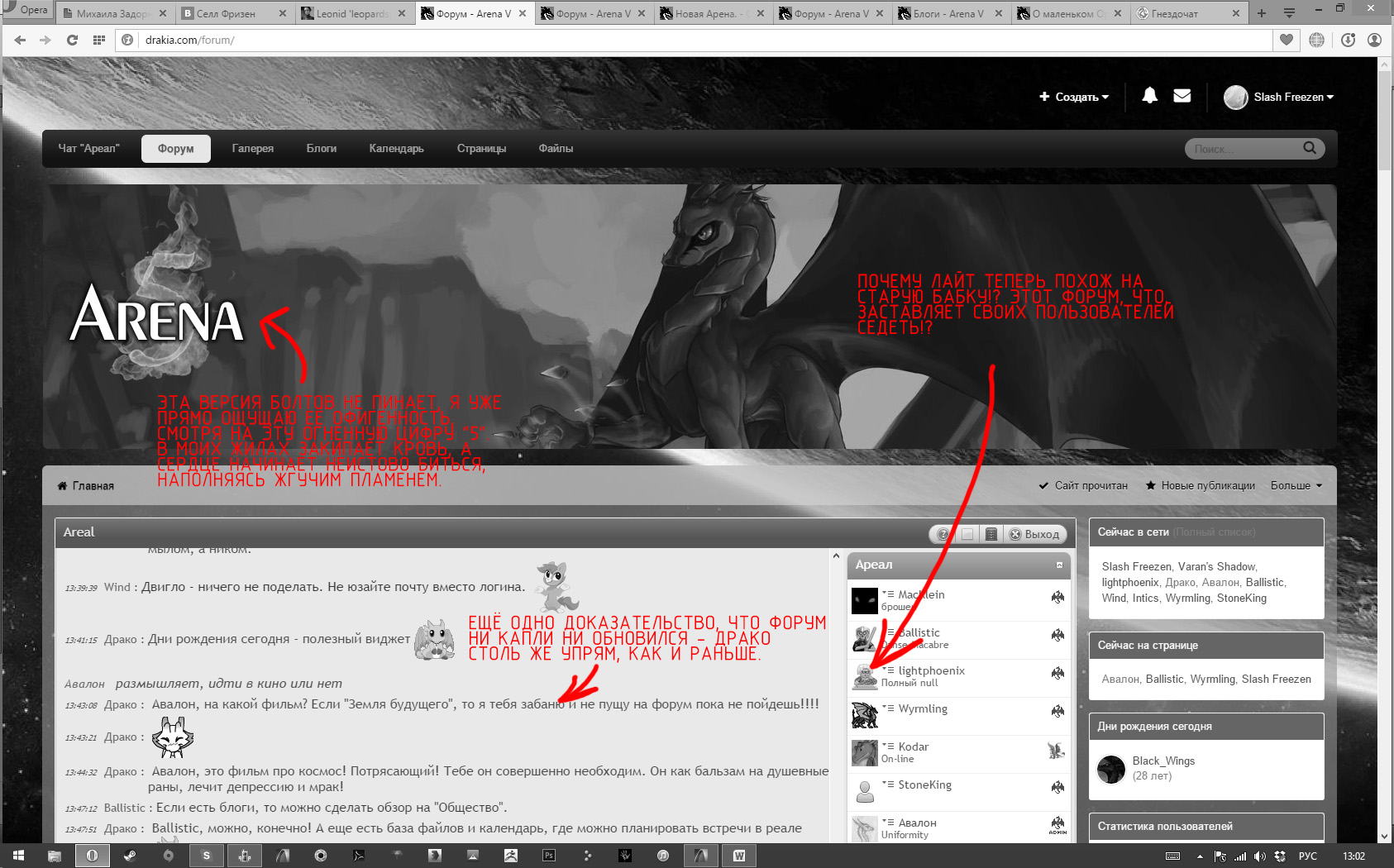
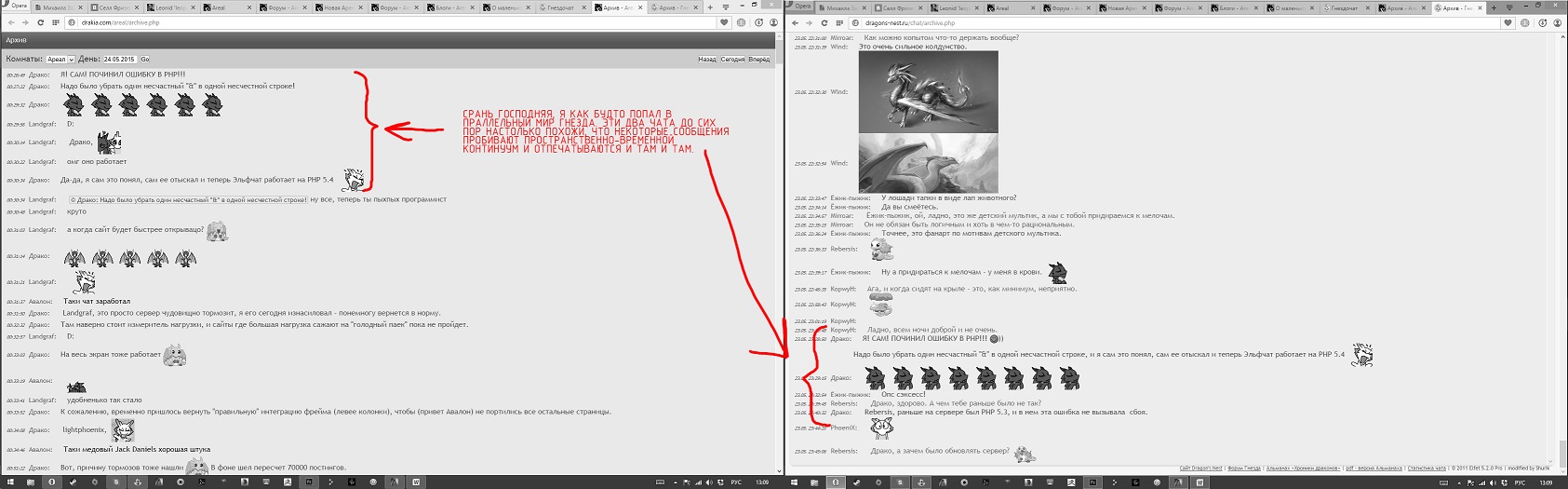
СОВЕРШЕННО ОТВРАТИТЕЛЬНАЯ НОВАЯ АРЕНА. ФУНКЦИОНАЛ И ДИЗАЙН ХУЖЕ, ЧЕМ В НАЧАЛЕ 2000-Х. Я В ПРЕДВКУШЕНИИ  КУПИЛ ДВА ТРИДЦАТИДЮЙМОВЫХ 4K МОНИТОРА. КОГДА ОНИ ОБА РАБОТАЮТ, МНЕ ПРИХОДИТСЯ ОДЕВАТЬ ТРИ ПАРЫ СОЛНЕЧНЫХ ОЧКОВ, ЧТОБЫ ДИСПЛЕИ НЕ СПАЛИЛИ МНЕ ГЛАЗА. И ЧТО Я ПОЛУЧИЛ В ИТОГЕ:
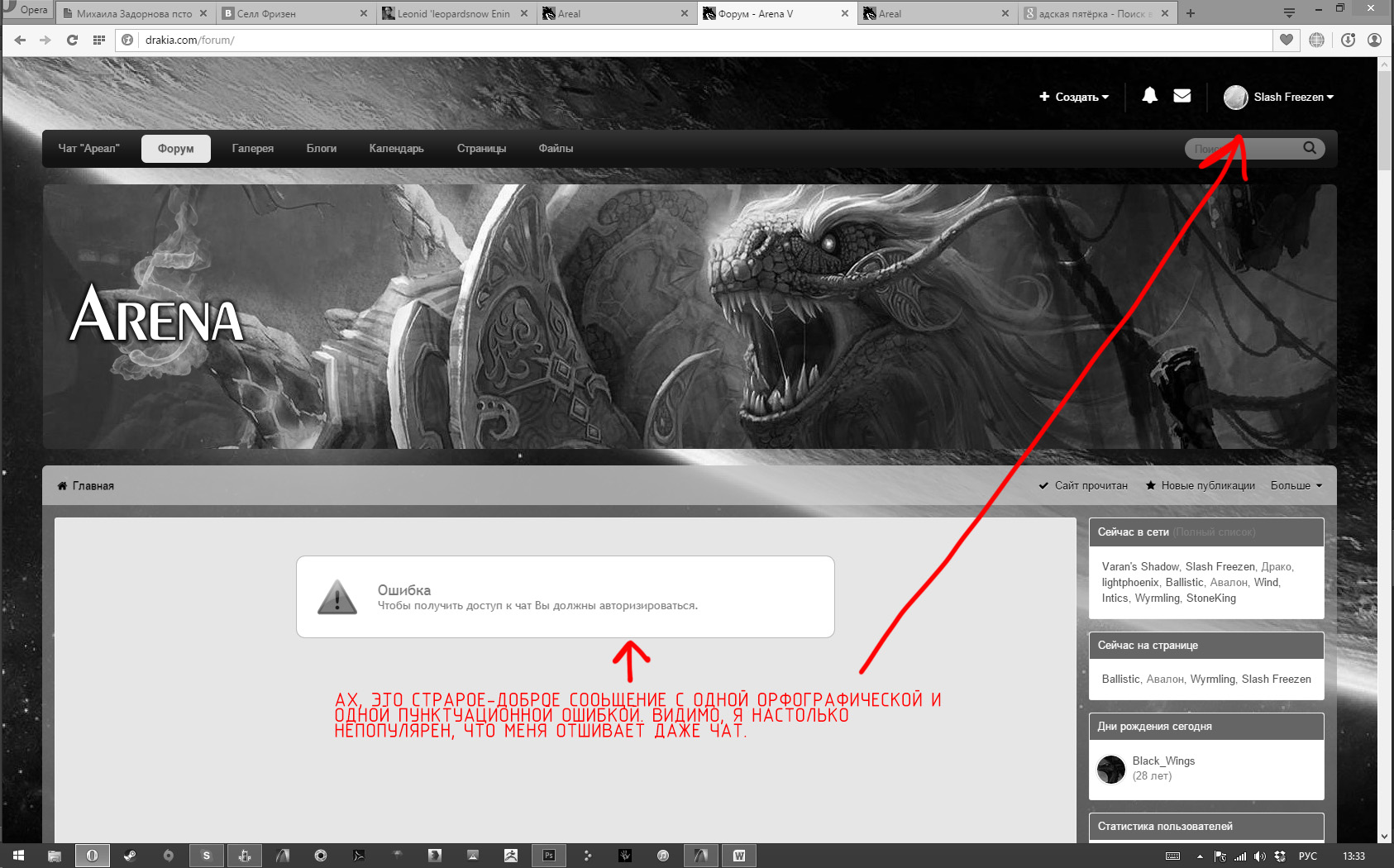
Скриншот 2015-05-24 13.33.56.jpg

Скриншот 2015-05-24 13.02.11.jpg

Скриншот 2015-05-24 13.09.19.jpg

Аккаунт

Навигация

Поиск

Поиск

Configure browser push notifications

Chrome (Android)
  1. Tap the lock icon next to the address bar.
  2. Tap Permissions → Notifications.
  3. Adjust your preference.
Chrome (Desktop)
  1. Click the padlock icon in the address bar.
  2. Select Site settings.
  3. Find Notifications and adjust your preference.