Перейти к содержанию
View in the app

A better way to browse. Learn more.

Arena V

A full-screen app on your home screen with push notifications, badges and more.

To install this app on iOS and iPadOS
  1. Tap the Share icon in Safari
  2. Scroll the menu and tap Add to Home Screen.
  3. Tap Add in the top-right corner.
To install this app on Android
  1. Tap the 3-dot menu (⋮) in the top-right corner of the browser.
  2. Tap Add to Home screen or Install app.
  3. Confirm by tapping Install.
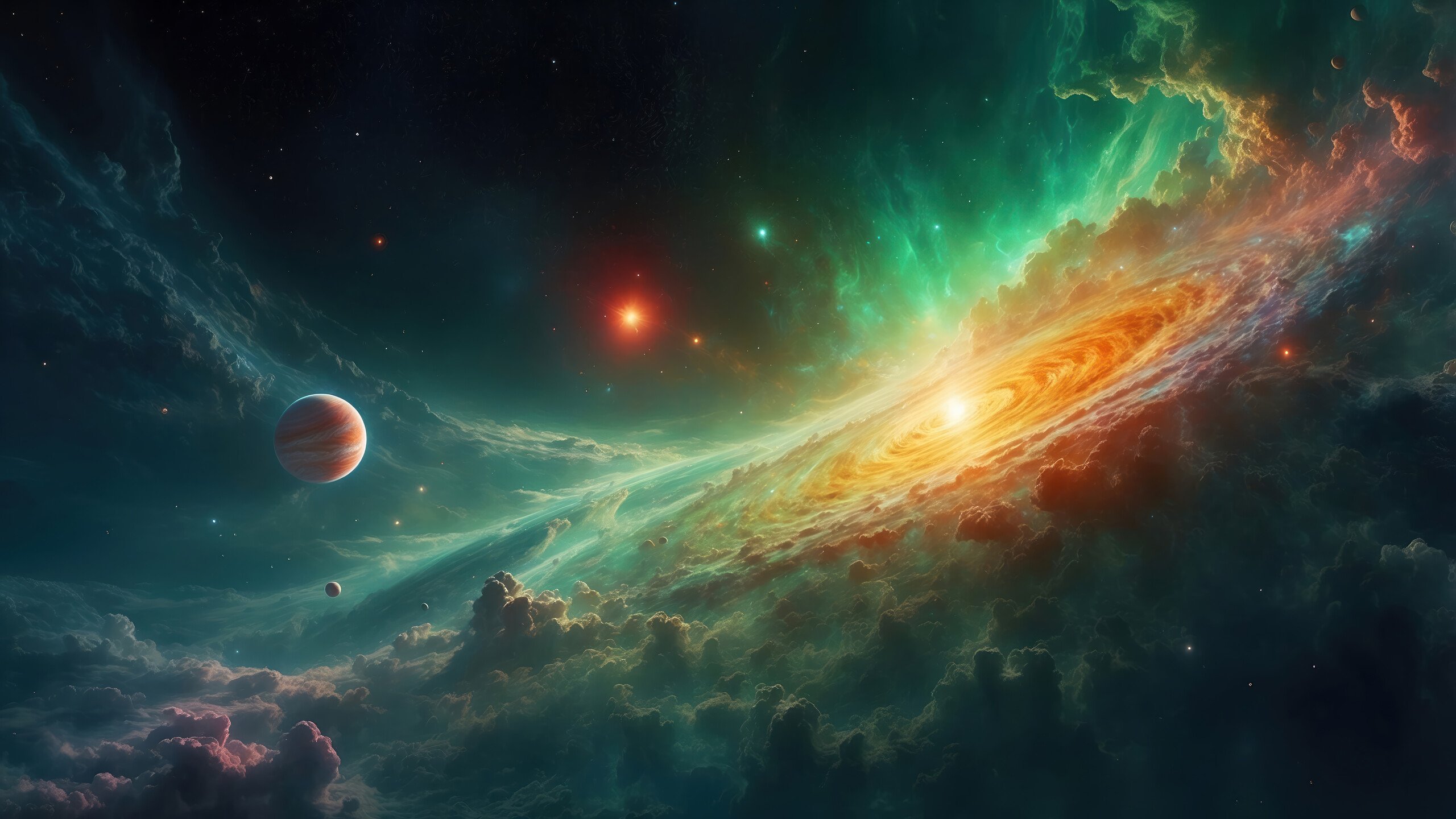
Galaxy

Информация о фото

  1. Оригинальный размер файла 1273279
  2. Mime-тип image/jpeg
  3. Высота изображения 2030
  4. Ширина изображения 4221
  5. Цвет Верно
  6. Порядок байтов Motorola Верно
  7. IFD0.ImageWidth 800
  8. IFD0.ImageLength 513
  9. IFD0.PhotometricInterpretation 2
  10. Ориентация 0-я строка вверху, 0-й столбец слева
  11. IFD0.SamplesPerPixel 3
  12. Горизонтальное разрешение 2000000/10000
  13. Вертикальное разрешение 2000000/10000
  14. Разрешение 2
  15. Программное обеспечение Adobe Photoshop CS3 Windows
  16. Последнее изменение 2015:05:26 20:55:01
  17. Версия EXIF 0221
  18. Цветовое пространство 65535
  19. Ширина изображения 4221
  20. Длина изображения 2030

Аккаунт

Навигация

Поиск

Поиск

Configure browser push notifications

Chrome (Android)
  1. Tap the lock icon next to the address bar.
  2. Tap Permissions → Notifications.
  3. Adjust your preference.
Chrome (Desktop)
  1. Click the padlock icon in the address bar.
  2. Select Site settings.
  3. Find Notifications and adjust your preference.